OKLAHOMA CITY · PROPERTY SEARCH
By 1411 Real Estate · Published October 15, 2026
A focused Zillow search can make your Oklahoma City home search easier to manage. Start with a clear area and budget, save the criteria you care about, and verify each promising property before planning a showing.
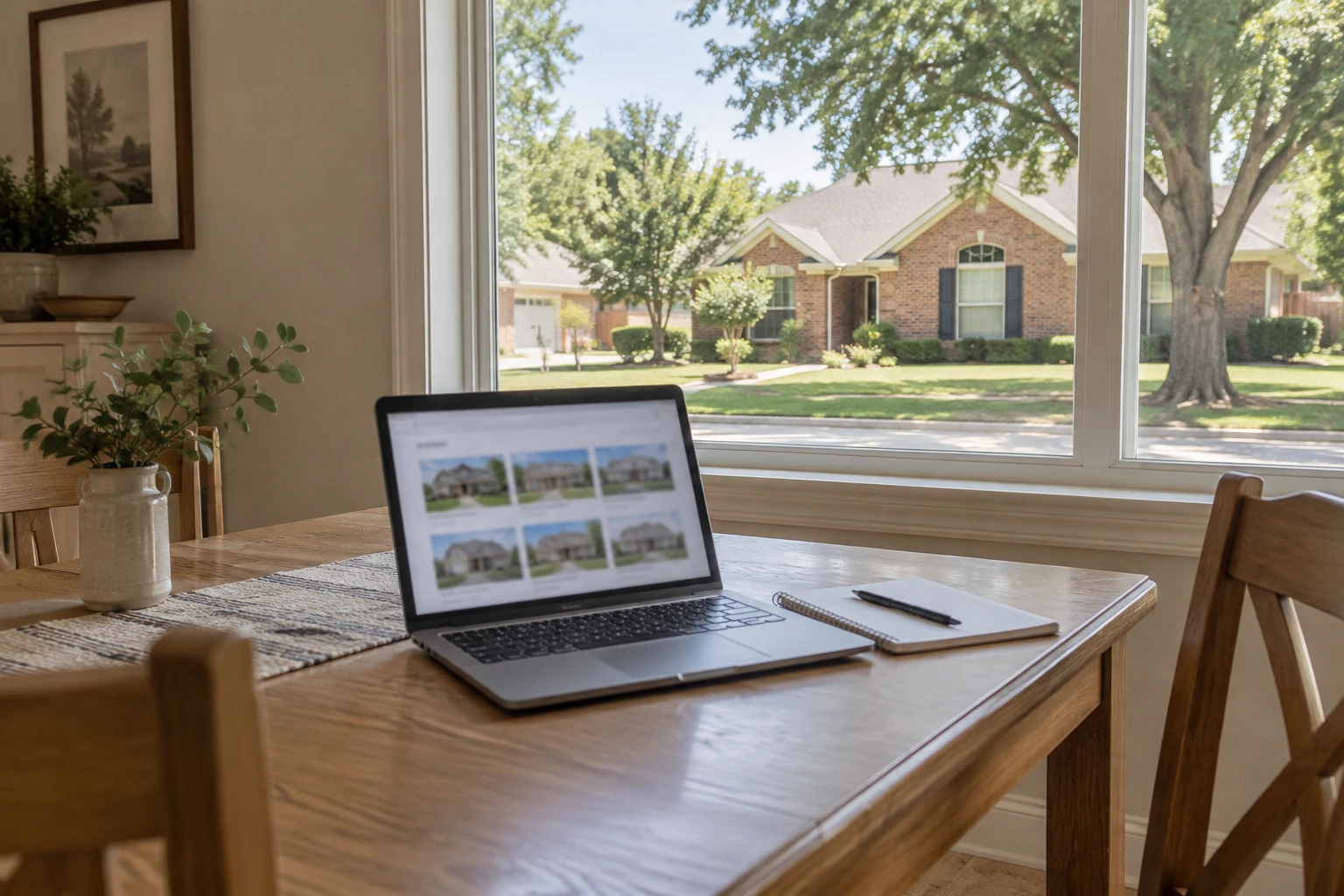
Set up your Oklahoma City home search
Use the For Sale search for a purchase. If you are also comparing rentals, keep those searches separate. Check the map area before judging the number of results: Oklahoma City, an individual neighborhood and the wider metro are different searches.
Begin with price, home type, bedrooms and bathrooms. Add size, lot and other preferences gradually. A restrictive search can miss a home with incomplete listing data, so review which criteria are essential and which you could evaluate later. Zillow’s official advanced-search guide explains its search tools.
Use a filter checklist you can maintain
- Budget: set a purchase range that fits your financing discussion and ownership costs.
- Property type: compare houses, condos or other options that fit your plans.
- Space: distinguish essential bedrooms, layout and outdoor space from optional features.
- Location: review the actual map area and your intended travel routes.
- Ownership: investigate taxes, insurance, HOA obligations and maintenance separately.
If results are too limited, loosen one optional filter at a time. If there are too many, refine the map or one important property feature. This makes it easier to understand why a home enters or leaves the shortlist.
Save searches and choose useful alerts
- Sign in to your Zillow account.
- Search your preferred Oklahoma City area and apply your filters.
- Use the Save Search control offered in your current app or desktop view.
- Choose the notification options shown in your account, such as instant or daily updates where available.
- Review the saved criteria and use a clear name if a naming option is offered.
Labels and menu locations can change between devices and software versions. Zillow documents different email types, including saved-search alerts. Review your account’s saved-search and notification settings rather than assuming every message uses the same criteria.
Keep alerts useful
Choose a frequency that fits how actively you are searching. Faster alerts can help you review new matches sooner, but they do not reserve a property or guarantee availability. Retire overlapping searches when your criteria change. If expected emails stop, check your account settings and spam folder.
You can also save individual homes to build a shortlist. Review Zillow’s saved-search help for current management instructions.
Match the search area to your priorities
Compare areas such as Nichols Hills, Edmond, Midtown, Yukon or other places on your shortlist against the same budget and property criteria. Prices differ by individual property, condition and current availability; a broad neighborhood price tier can hide those differences.
A ZIP code is a postal area, not a school-attendance guarantee. Confirm enrollment eligibility with the district for the specific address. Visit your likely travel routes and compare amenities yourself. Choose based on your priorities rather than assumptions about the kinds of people who live in an area.
Read a Zestimate as one piece of information
A Zestimate is Zillow’s automated estimate, not an appraisal or a guaranteed sale price. Zillow explains its methodology and current accuracy measures on its Zestimate information page. National error figures should not be treated as a property-specific margin of error for an Oklahoma City home.
Compare recent relevant sales, property condition, layout, lot characteristics and current competition. Price per square foot can be a useful comparison, but it is not a complete valuation method. An asking-price gap does not prove that either the Zestimate or the seller’s price is correct.
Verify a promising listing before a showing
- Ask your agent to confirm the property’s current status and showing arrangements.
- Clarify listing details that appear incomplete or inconsistent.
- Compare public records with the listing and investigate differences.
- Review disclosures, inspection needs, insurance questions and any relevant restrictions.
- Confirm who you are contacting and which party that professional represents.
Older photos or longer time on market are reasons to ask questions, rather than proof of a problem. A slow reply also does not establish that a listing is unavailable or fraudulent. For any payment request, independently confirm the recipient and instructions with the verified professionals handling your transaction.
What to do after you find a home you like
Send the property address or listing link to 1411 Real Estate and share your timing and questions. Review current availability, comparable properties and the next steps before deciding whether to pursue it. Our Oklahoma City home-buying guide explains the broader process from budgeting through closing.
You can also use Jana Fariss’s Oklahoma property search or request a free neighborhood market report to start a conversation about your preferred area.
Zillow search FAQs
Which filters should I apply first?
Begin with your location, purchase range and essential property features. Add optional filters gradually and investigate details that may be missing from listing data.
Should I choose instant or daily alerts?
Use the available frequency that suits your search. Instant alerts may be useful during an active search; a daily summary may be easier to review when you are exploring.
Is a Zestimate the same as an appraisal?
No. It is an automated estimate. Review the specific property and relevant comparable sales with the professionals advising you.
Does a saved listing confirm the home is available?
No. Confirm its current status before scheduling a showing or making travel plans. See our real estate FAQs for more buying and relocation questions.
Independent educational guide from 1411 Real Estate; no Zillow affiliation or endorsement is implied. Product features and property availability change. Sources checked October 15, 2026.